 |
Checking the Photo Cartridge Status
 For Windows For Windows
For Mac OS X
To check the photo cartridge status do one of the following:
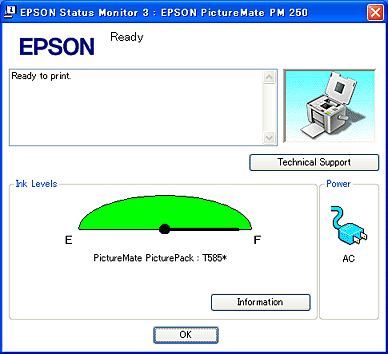
|  |
Note: |
| |
|
If the photo cartridge installed in the printer is broken, incompatible with the printer model, or improperly installed, EPSON Status Monitor 3 will not display an accurate calculation of the photo cartridge status. Be sure to replace or reinstall the photo cartridge.
|
|
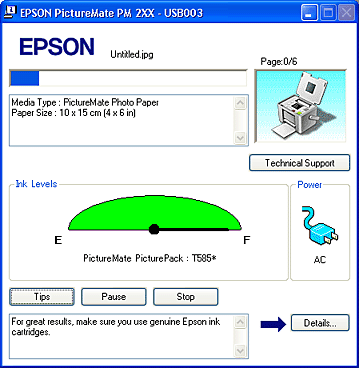
You can check the photo cartridge status using EPSON StatusMonitor. Follow the steps below.
 |
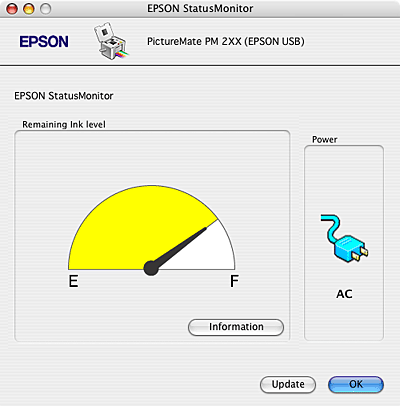
Click the EPSON StatusMonitor button. The EPSON StatusMonitor appears.
|
|
Note: |
|
-
If the photo cartridge installed in the printer is broken, incompatible with the printer model, or improperly installed, EPSON StatusMonitor will not display an accurate status of the photo cartridge. Be sure to replace or reinstall the photo cartridge.
|
|
| |



 See
See  Top
Top
